Forgot Password
Employees who have forgotten their password can replace it with a new one themselves. The prerequisite for this is that a valid and unique email address is stored in the system.
- As soon as the login screen appears, click the "Forgot password?" button.
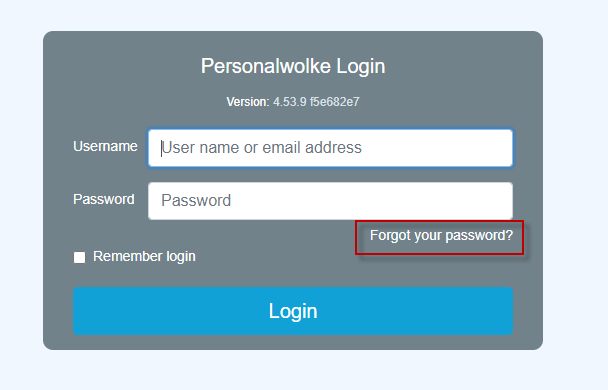
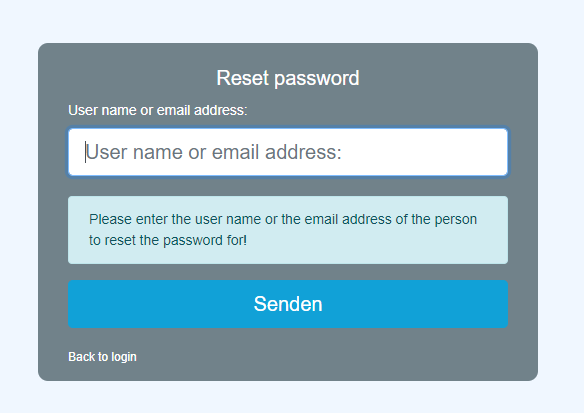
- On this screen, enter your own unique email address stored in the system and click the Send button.
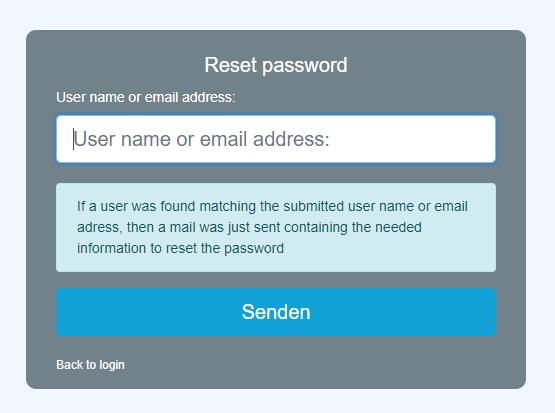
- The system has sent an email, which can be found in your inbox a few minutes later. For security reasons, the email address to which the message was sent is not displayed.
- Click the automatically generated link to get to the password change screen.
Note! This link is valid for a limited time only! By default this is 24 hours, but it can also have a different validity period depending on the company.
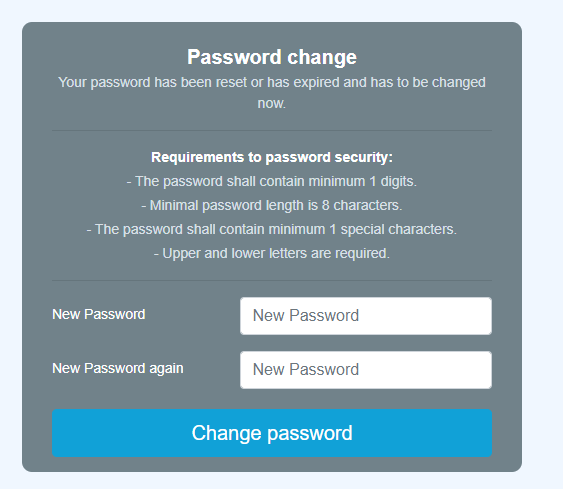
- Now all that is left is to enter the new password in the password change screen, in accordance with the password policy, identically twice, and click the "Change password now" button.
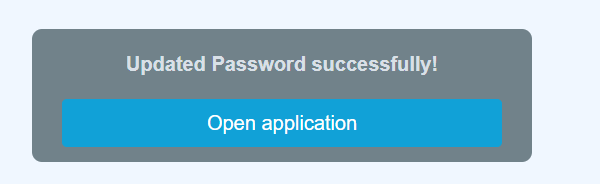
- The login was successful and the new password is valid immediately.
Keine Kommentare vorhanden.